What to SEO While Quarantined
How is your Pandemic going?
Because I live in Staten Island and work from home, I am fairly used to working in “isolation”. When I started Fine House last year, I struggled a lot in the transition from office to couch work. It was easy to get distracted by Pinterest and the overwhelming feeling of entrapment, loneliness, etc. My partner often chided me during this time by preaching mind over matter, meaning I should be able to be just as focused if I quit making excuses and tried harder.
Annoying advice, and I hate to admit it, but he’s sort of right. Now that I’ve adapted my daily schedule and my perspective, I stay productive for as long as I want. Since many people are finding themselves working from home during this health crisis, I thought I’d share what has worked for me.
So here are 3 tips for working from your safe and COVID-19 free couch, as well as an easy SEO adjustment that you can do from the comfort of your home that will help your website attract traffic – because digital traffic is the only kind now! That’s right, I combined a highly searchable topic with a niche one as outlined in my last post. Hope you aren’t mad.
1. Wake up early and clean.
I am not a morning person and I am not a tidy person so both of these things are incredibly difficult for me. But truly, they help more than anything else on this list. If you’re up by 7 or 8 and clear the clutter from your workspace it will give you time to wake up and feel productive immediately. It is as much about a perspective of “I am about to work here” as it is about keeping you focused by eliminating distractions whilst working. If you’re naturally clean, you still might arrange things to be ‘just so’. Think of the bird in Our Planet who clears the dance floor, it’s all about setting the stage and impressing a mate.
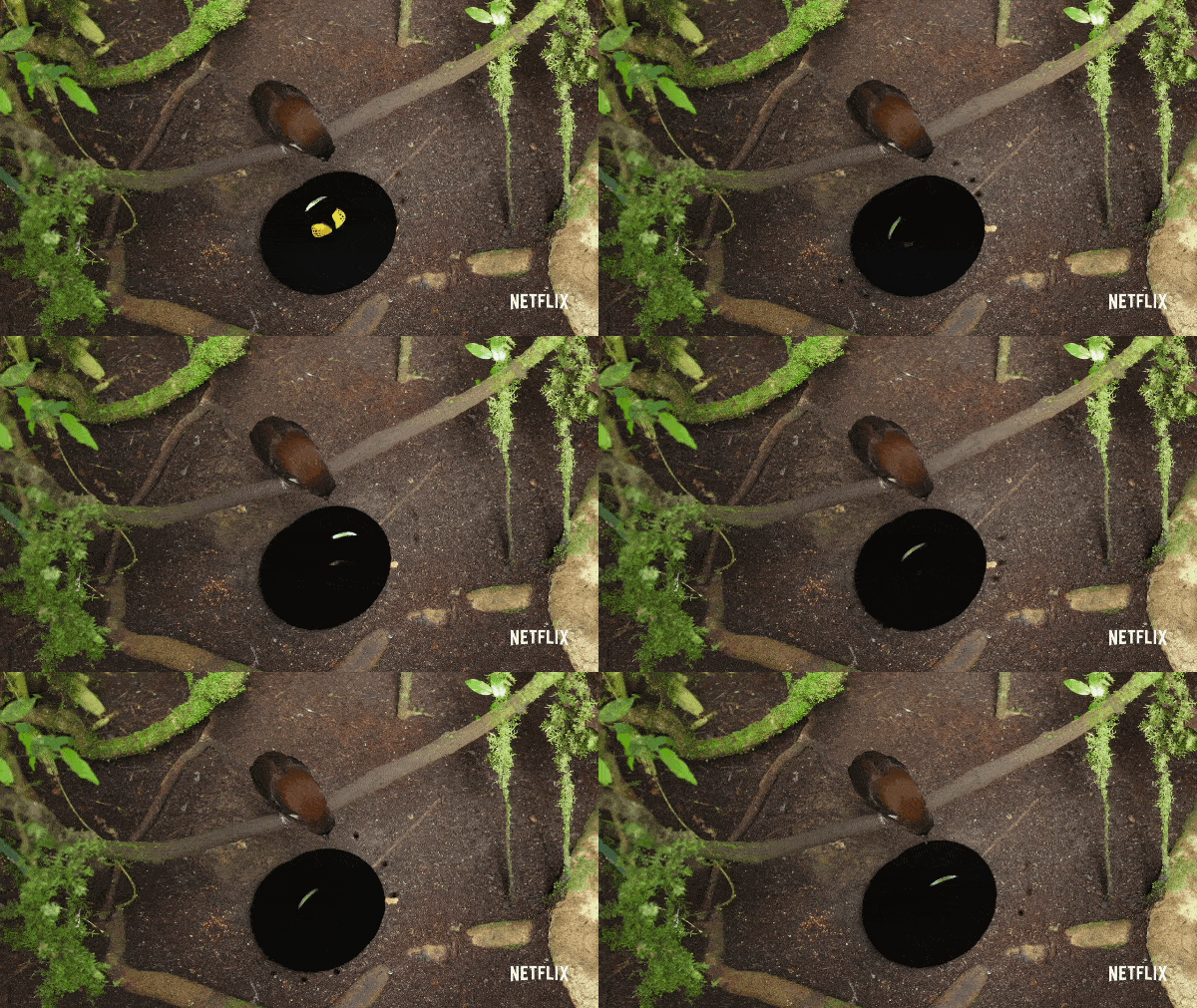
effective and tidy.
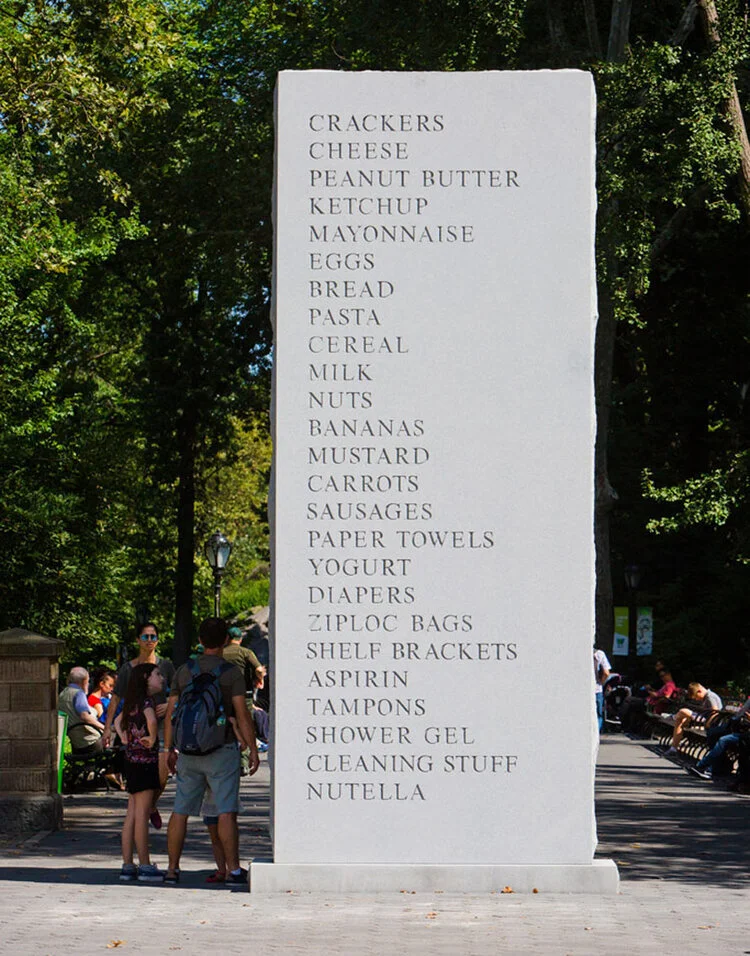
David Shrigley knows what’s up.
2. Make your list a ritual.
I love lists, and It’s probably an obvious thing to put on a productivity list, but whatever. I think there is something beautiful about a jotted to-do. The real thing that helps me, with both the lists and the cleaning, is making it into a ritual. I use my beautiful Lamy fountain pen and expensive grid paper because it makes me feel like a sophisticated organized person. In college I made “4 squares” which is a normal piece of paper folded into 4ths – giving you space for 8 separate things to keep track of in a pocket sized square, full credit to legend Steve Whitacre of KCAI foundations on that one.
3. Don’t eat.
Or do, if you want, I mean, I don’t really care - what works for you is right for you! Personally I’ve found that eating is a must if you work in an office, because it’s social and breaks up the day in a necessary way. I used to order or go to lunch as a reward for being in a place I didn’t really want to be in, and then later I’d get a cookie as a treat because I needed a second reward (and a 15 minute break) for being in a place I didn’t want to be in. Now that I’m home all day, I wait to eat until dinner, and if I snack it’s usually a spoonful of peanut butter. Prepping or leaving for food is a big distraction and a meal makes me so tired, that I find myself working better with just coffee until afternoon. And just think of the rations you’ll have saved!
If you run your own business and are stuck on what to work on from home while the world is at full stop this quarantine, this next bit is for you.
Add Alt captions to your photos – go ahead! You have time!
This is such an easy thing and really lends itself to design industries, as well as makes content accessible to visually impaired folk. The gist of it is, Google can’t look at your picture so you have to give search engines something to read, both with the image title, but more specifically with a description of the photo colloquially called an “alt caption”.
First of all, you-should-title-your-image-with-a-dash-between-words which search engines read as a space. Google_cannot_read_underscores anditcantreadnospace. Titles should mimic searches.
For example: 3-month-old-blue-heeler-corgi-mix.jpg would be a good title for this picture of my amazing new puppy, and it is very close to a phrase I’ve searched for in the last month.
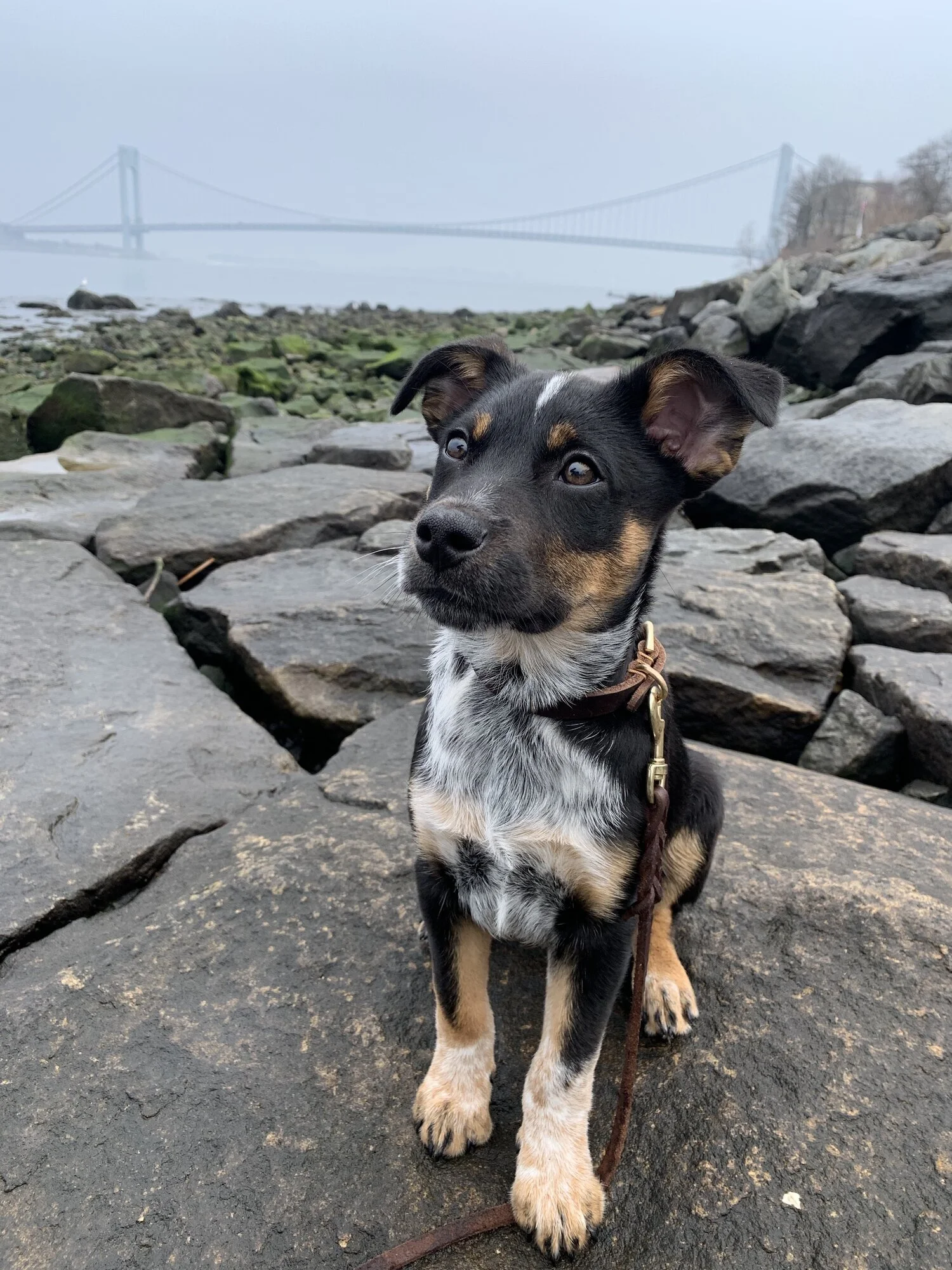
A puppy sits at a rocky beach on a foggy day in front of the Verrazano bridge.
An appropriate caption would be: A puppy sits at a rocky beach on a foggy day in front of the Verrazano bridge.
The title indicates probable search keywords, the alt caption describes the photo in case it can’t load or to make the content accessible to non-visual people.
Content management sites (I prefer Wordpress or Squarespace) make it relatively easy to adjust the image title and caption even if the photo is already uploaded.
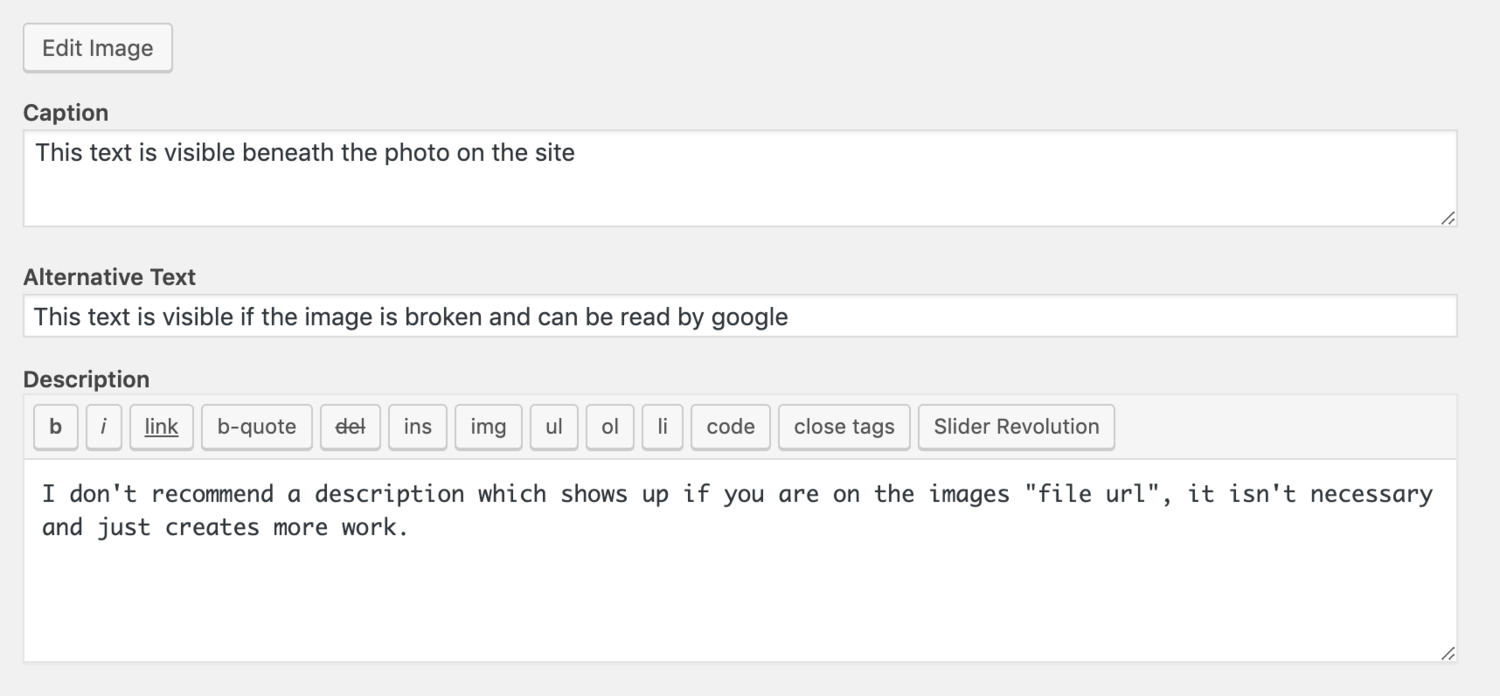
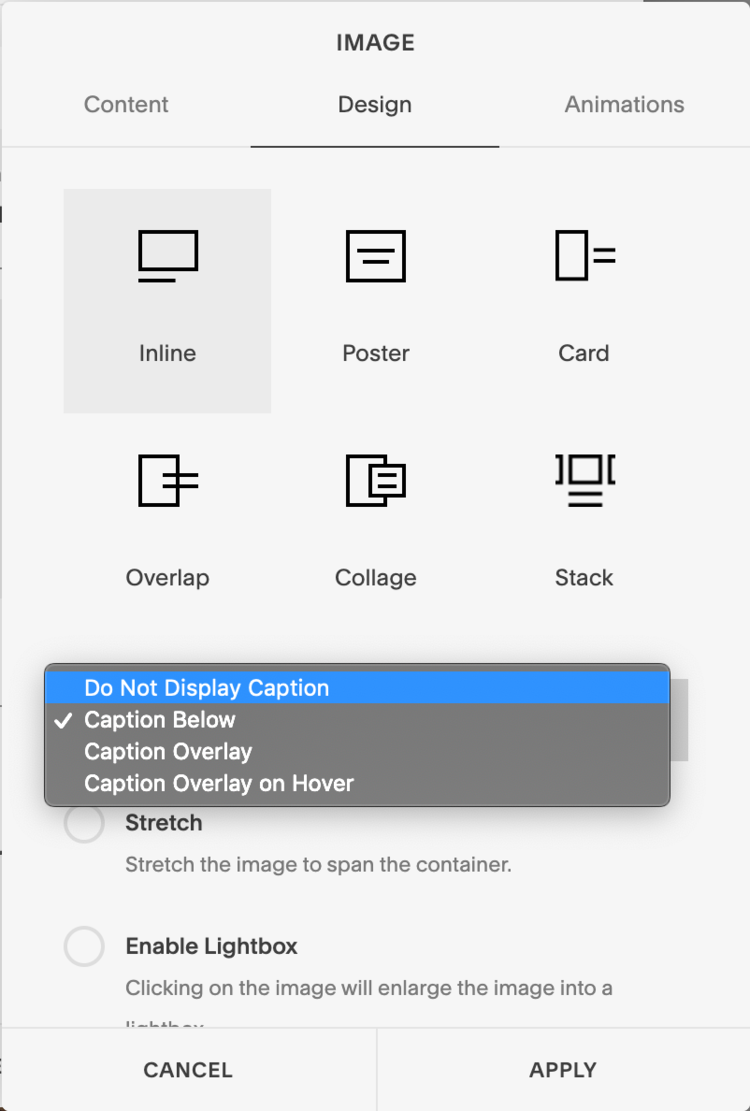
meta alt text on an image of alt text .
Squarespace is a bit simpler as they combine caption and alternative text. To edit, select the image where it is on the page and select “Edit” , you will see a place to “write a caption” below the photo which will serve as the “alternative text” - under “Design” you can select “inline” and the drop down option “do not display caption” to keep things neater.
The only annoying thing about this is there is no “media library” like Wordpress, so for banner images you can’t add an alt text, and there isn’t a single place for you to add all descriptions.
That’s about it. See? Easy, effective, and time consuming.
If you’d like to read more about the ins and outs of alternative text, I recommend this article from the pros over at MOZ.
As always, think like a searcher, and wash your hands for 20 seconds for the love of God!!!!!
For Wordpress, you can use a plugin that lets you retitle a file name like this free one from Meow Studios. Once activated, head to your media library via the dashboard. Then manually enter a title, they also offer an auto caption feature. To add an alt caption click on the media to caption and add “alternative text”.